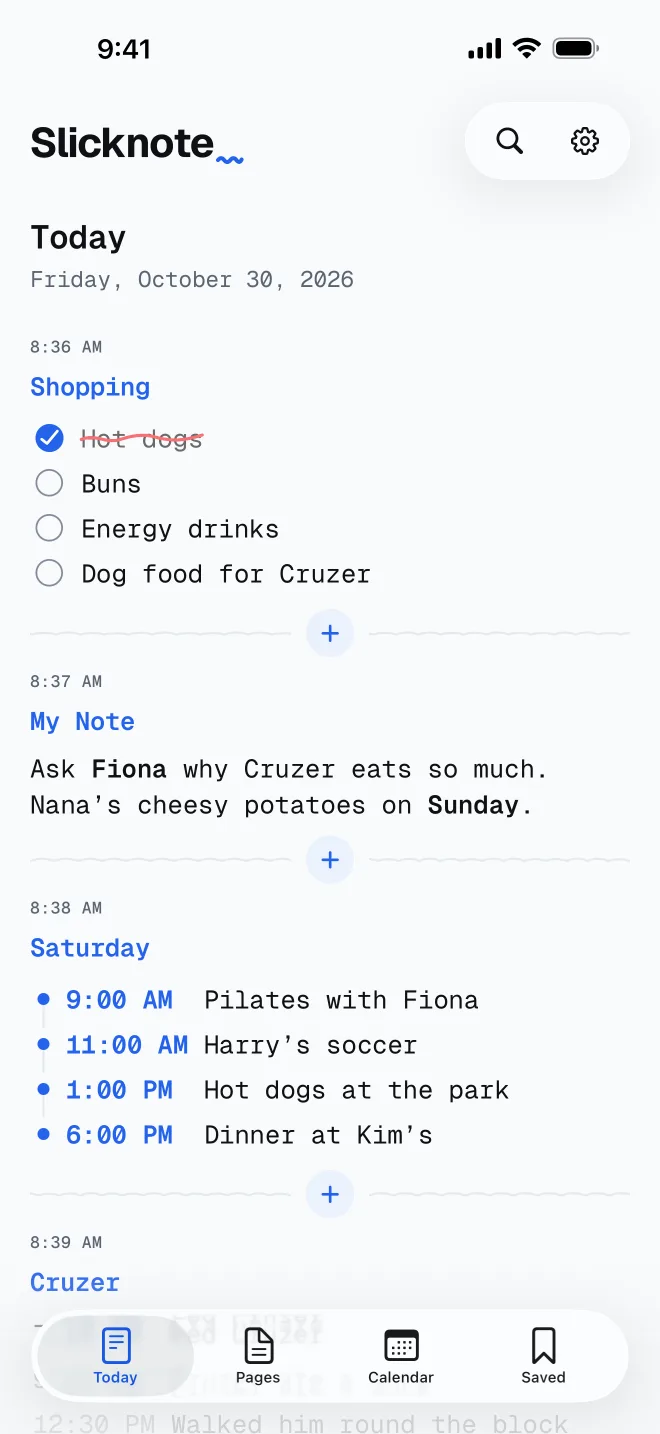
A fresh page each day
Open it and write. At midnight, today tucks itself into the Calendar and tomorrow starts clean.
A daily notepad · iPhone, Android & Mac
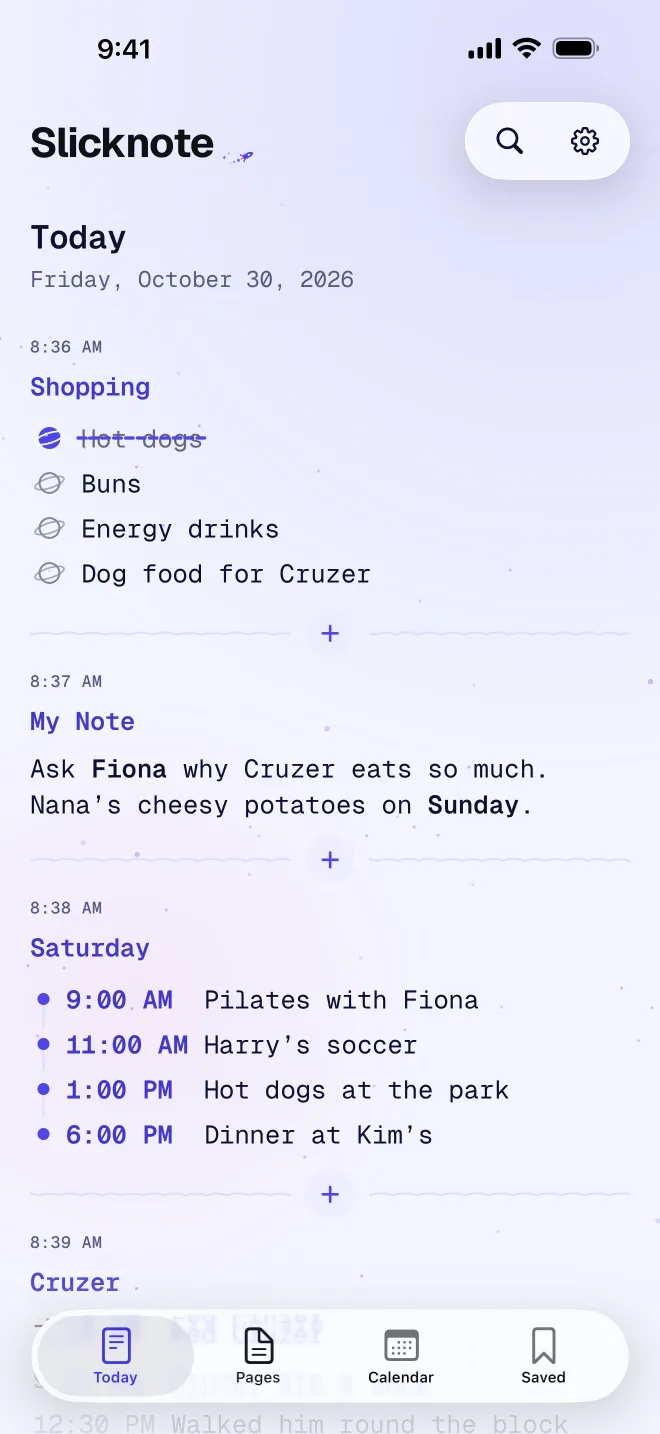
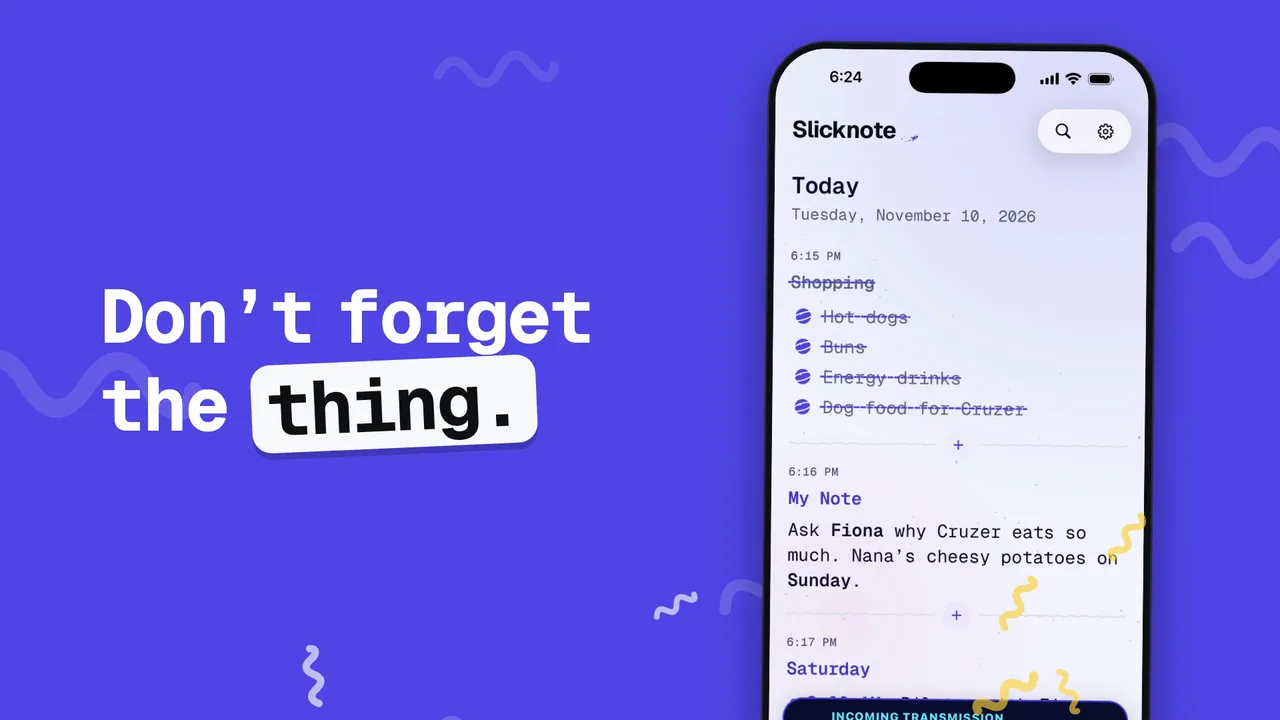
Write it however it comes out. Slicknote tidies it into lists, timelines and totals when you’re done, and gives you a fresh page every morning.
For iPhone, iPad, Mac, Apple Watch and Android. No account needed.
Try it right here
This note runs the app’s real Smart Format. It makes a list when it’s clearly a list and leaves your writing alone when it isn’t. Undo puts back every word.
Or borrow one:
Nothing you type here leaves this page.
Go on, poke things. Most of this page works.
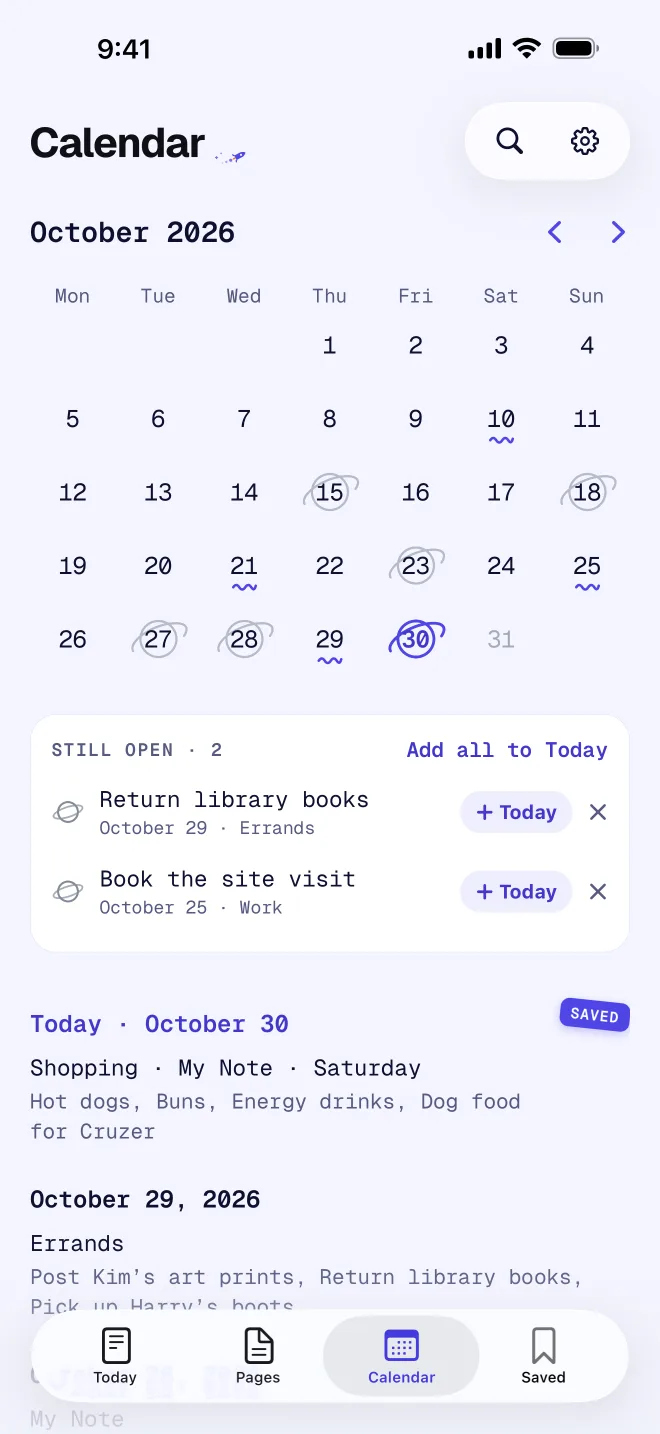
Open it and write. At midnight, today tucks itself into the Calendar and tomorrow starts clean.
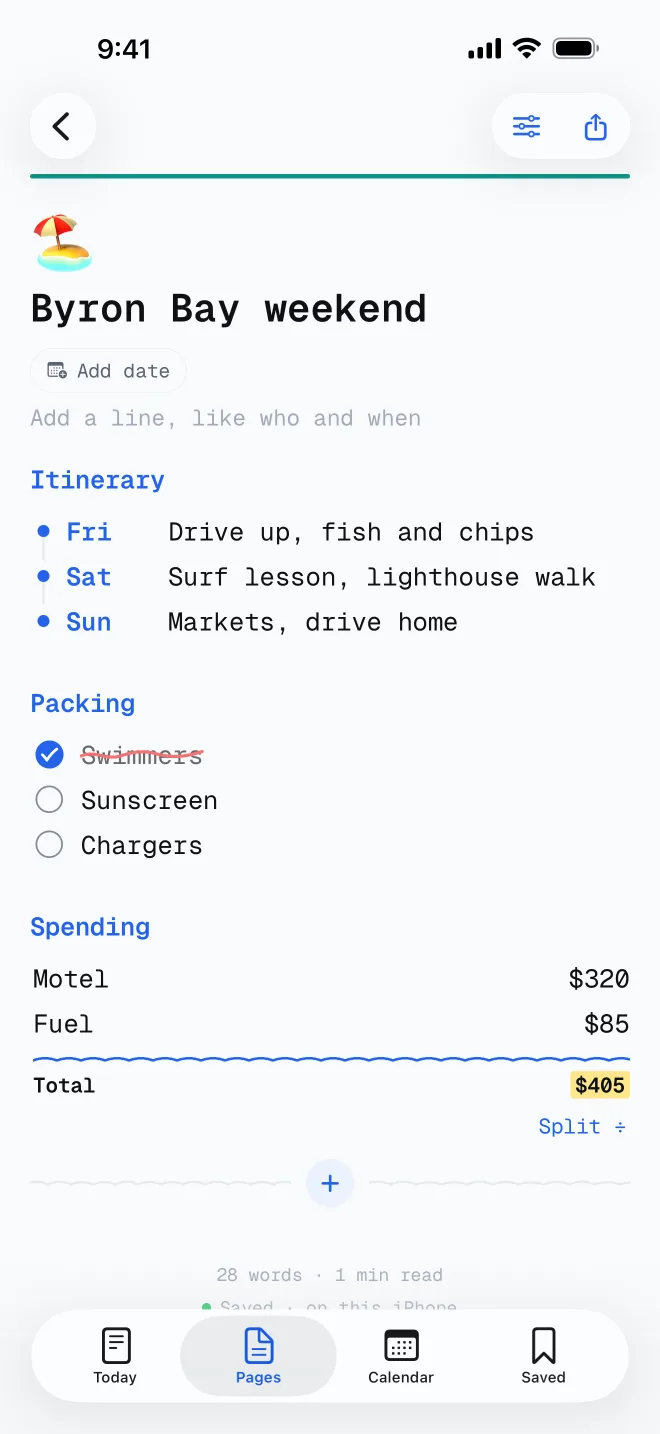
Run sheets, trips, recipes and meetings, with tables, timelines, dates and countdowns.
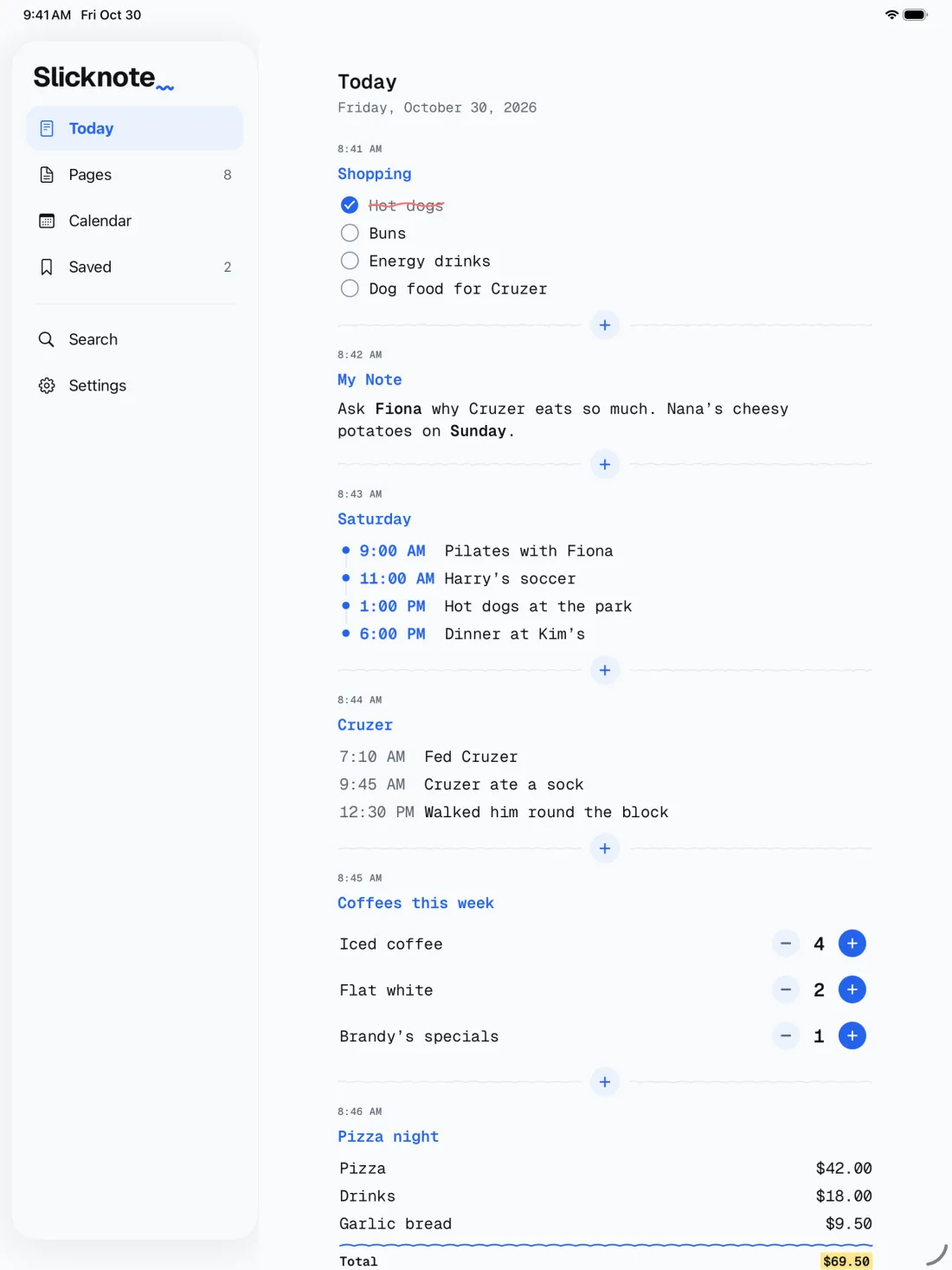
Times become a timeline that knows what’s on now. This one is running on your clock.
Type what things cost. The total keeps itself, and splits the bill if you ask.
Invite someone and tick it together, live. Only what you share leaves your phone.
A recipe link, a PDF or a photo of paper becomes a page you can edit.
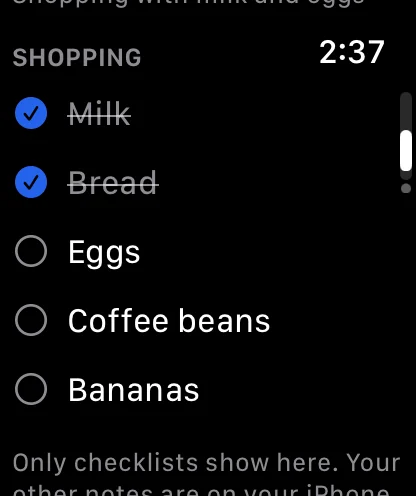
Every screen here is the app itself. Slide them along.
Here are ten. Tap one and this whole page wears it; tap it again to see it dark.
Every theme has its own voice. Eleven are free, and Slicknote Pro adds the ones with their own ticks. There’s also a switch in Settings marked KEEP OUT. We don’t recommend it.
The one it comes in. Calm, blue, squiggly.
Arriving with the iPhone app
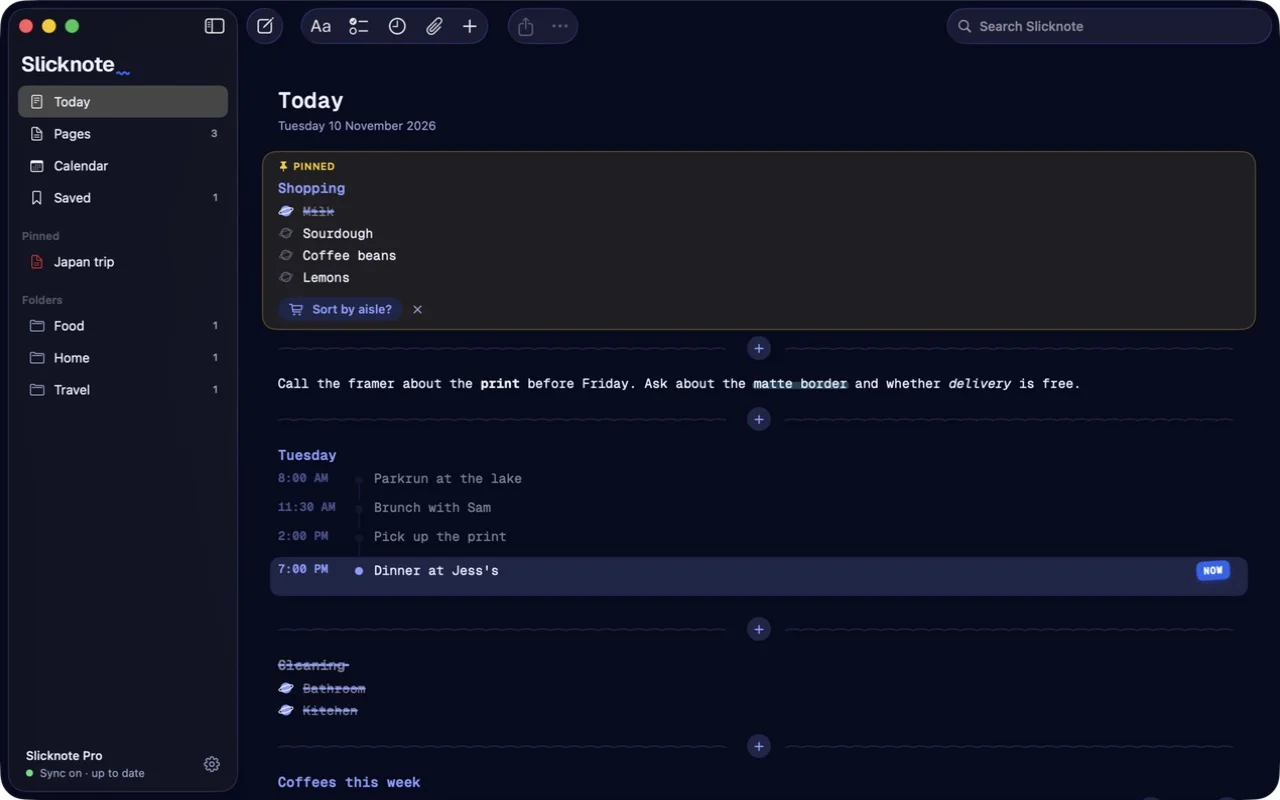
A real Mac app, not a phone app stretched to fit. The same fresh page and the same Smart Format, with a sidebar and room to spread out.
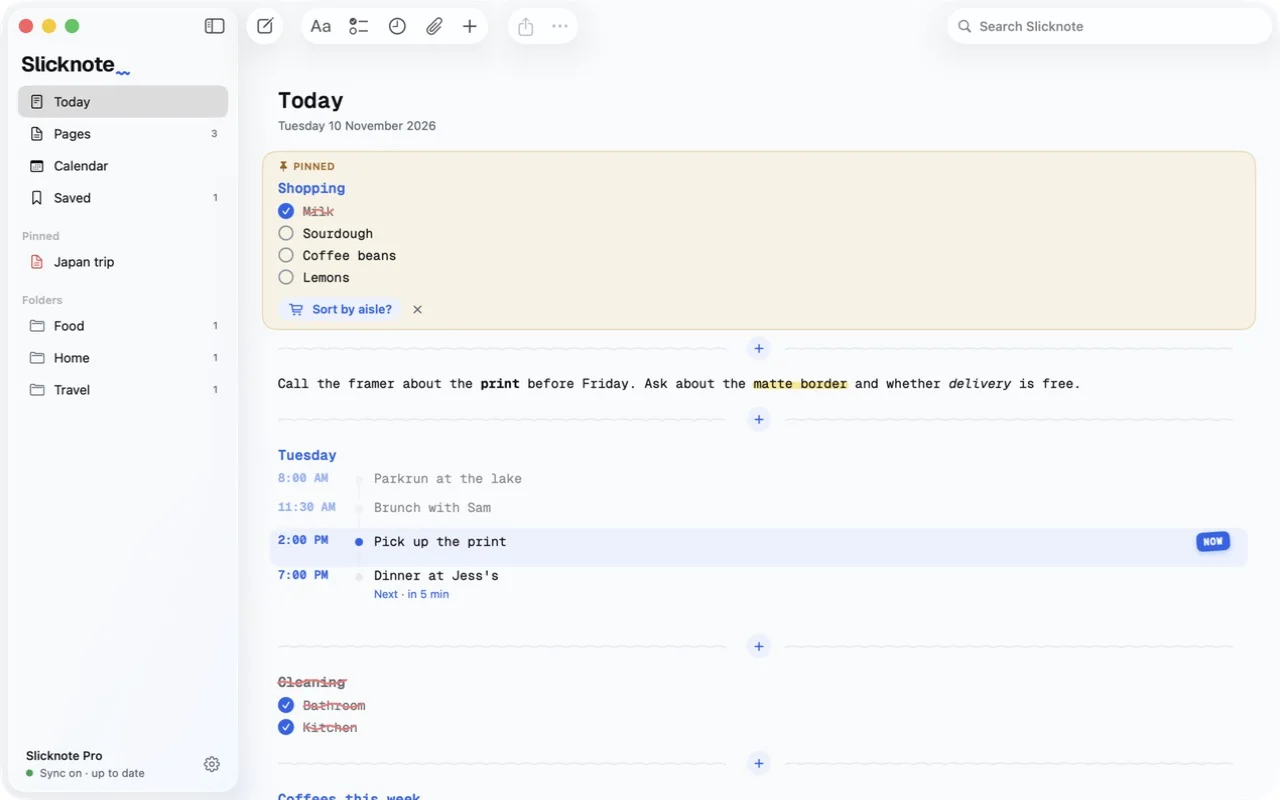
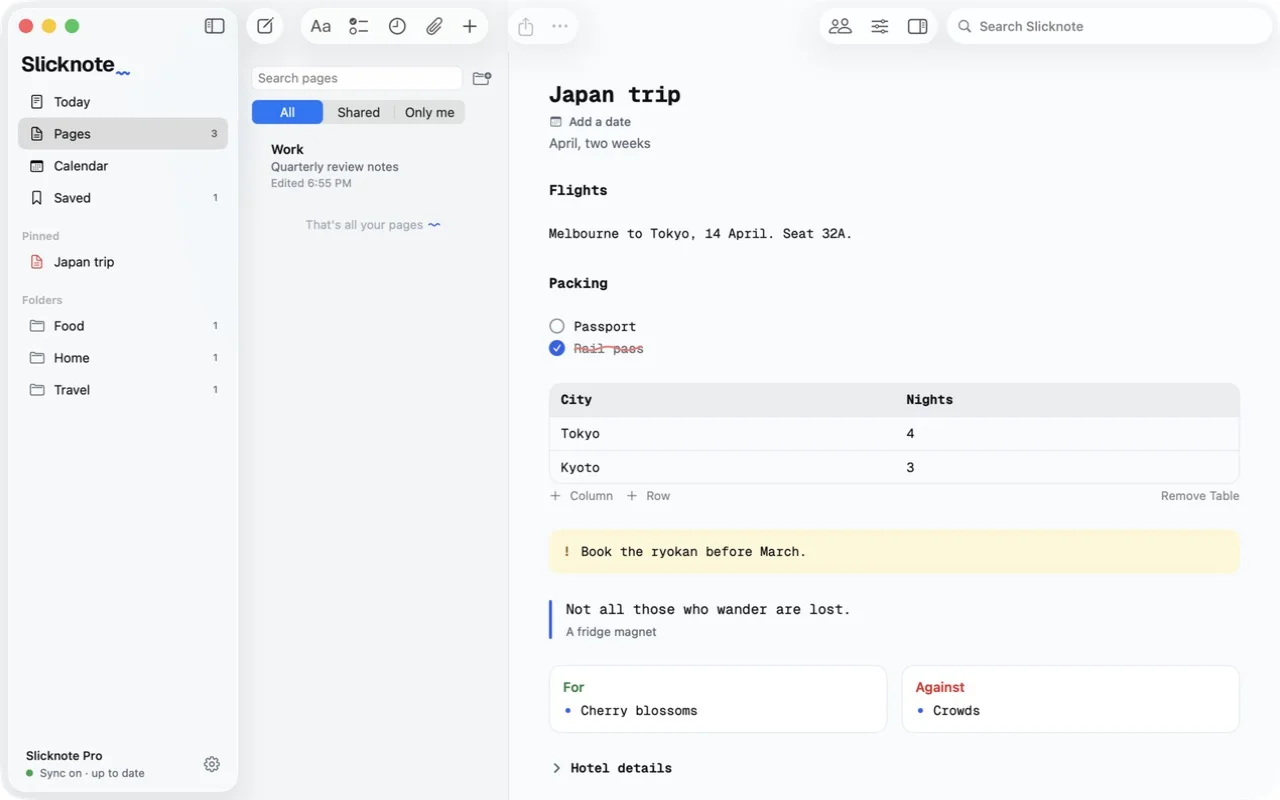
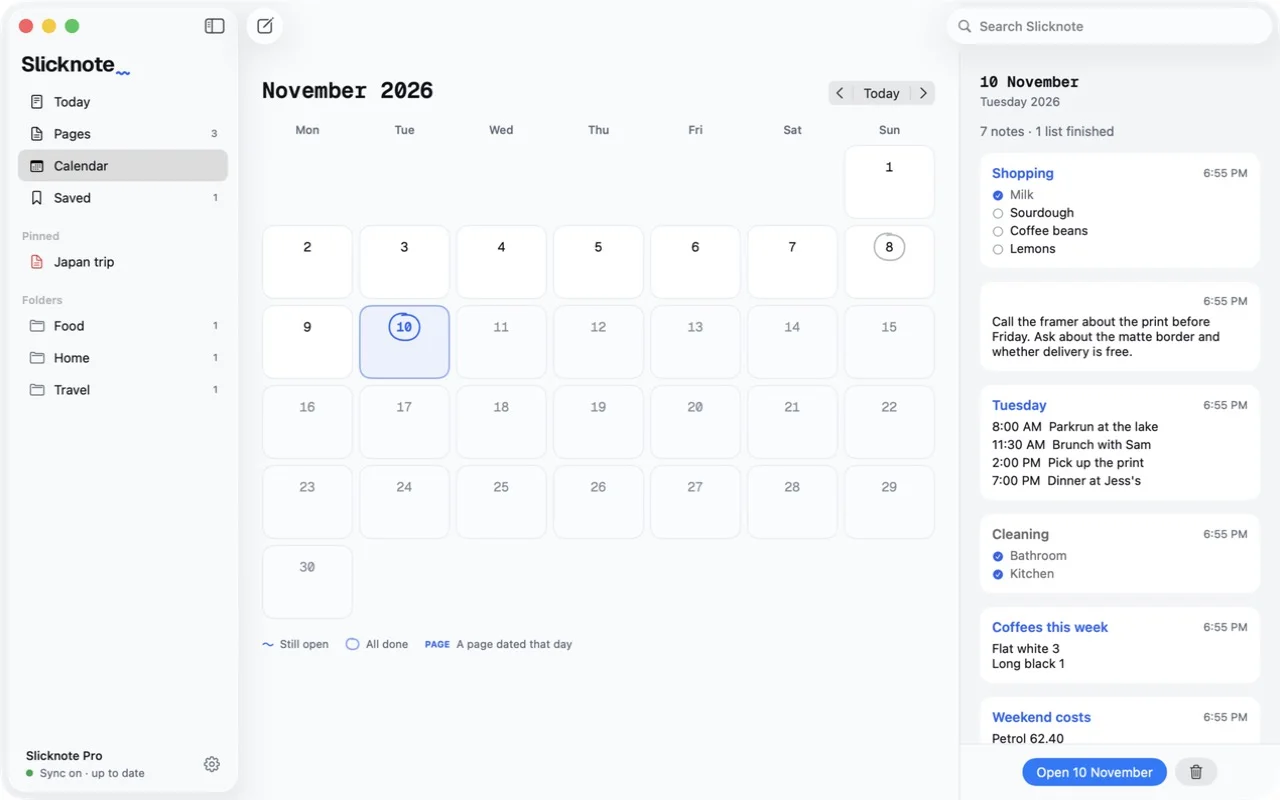
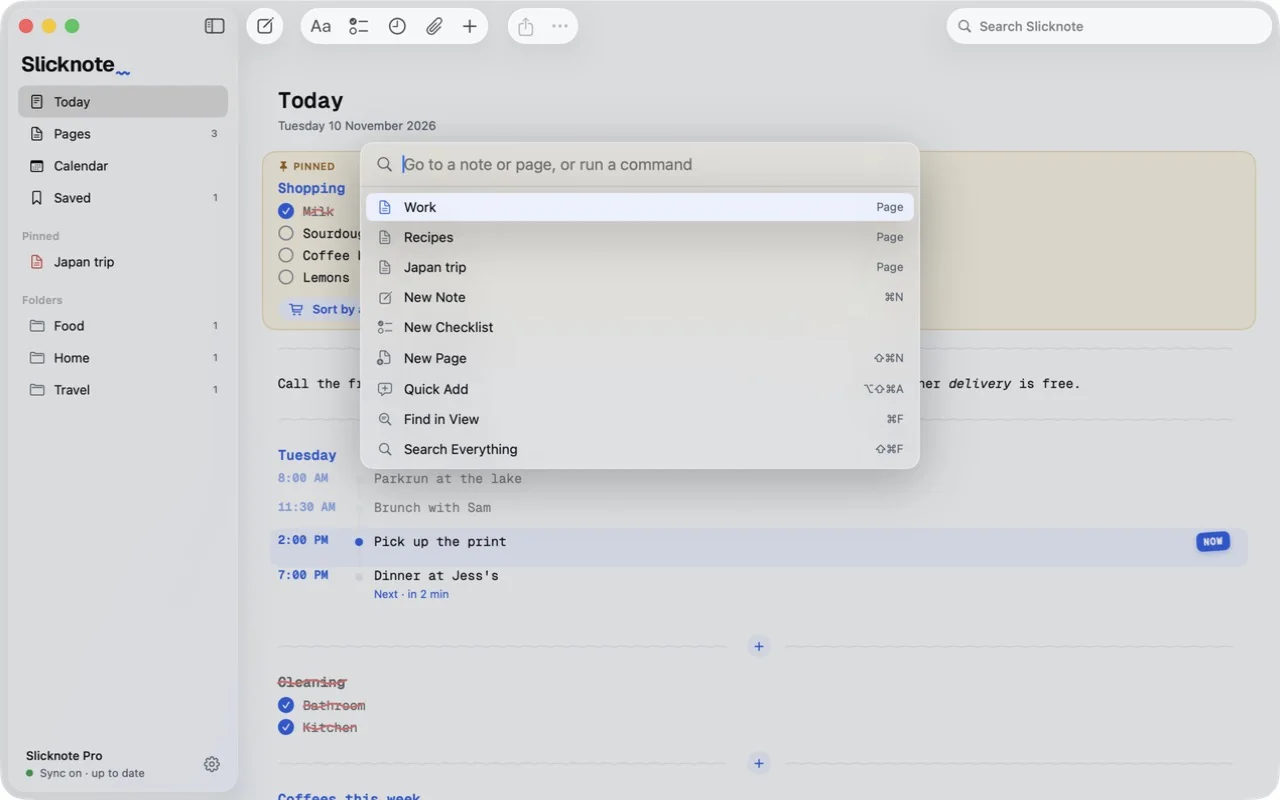
A command palette to jump to any note or page, shortcuts for the rest, and search through everything you’ve written.
With Slicknote Pro, your notes sync between iPhone, iPad and Mac through your own iCloud. We can’t read them there.
Slicknote Pro on your iPhone is Slicknote Pro on your iPad and Mac. Daily notes are free on every one.
Twenty-five seconds. Sound on, if you’re somewhere you can.
No account to make. Nothing on our servers unless you share it, and only while it’s shared. Backups stay on your device, in your own iCloud, or wherever you save them.
Read the privacy policy. It’s short, for a privacy policy.
Slicknote Pro adds unlimited pages and templates, iCloud sync between iPhone, iPad and Mac, and sharing, plus themes, fonts and app icons. Yearly starts with 7 days free.
That’s everything so far